Is there a option for soft shadows or soft edges in rendering in the editor or is there a shader/script that does this?
I’m making a kind of obby type mini game and I wanted my low poly models to be softer on the edges, see the images below:
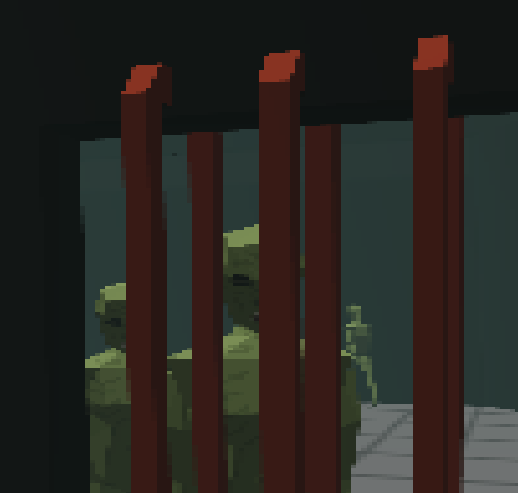
any help is appreciated.
It seems the geometry is pixelated?
I’m not sure the screenshots show shadows specifically - could you please collaborate?
There is soft shadow, see this example: PlayCanvas Examples
but you would need to enable it using a script currently, something like this:
lightEntity.light.shadowType = pc.SHADOW_PCSS_32F;
but also set up other shadow properties that you can see in the example’s UI to control softness and quality vs performance settings.
1 Like

